3 min read MALVERN RETAIL SYSTEMS
01Start with a trading-day checklist
Choose a till around the work your staff actually do. Walk through an ordinary morning, a busy queue and the end-of-day routine. Record the exceptions as well as normal barcode sales. A short list of essential workflows is more useful than comparing the length of suppliers’ feature lists.
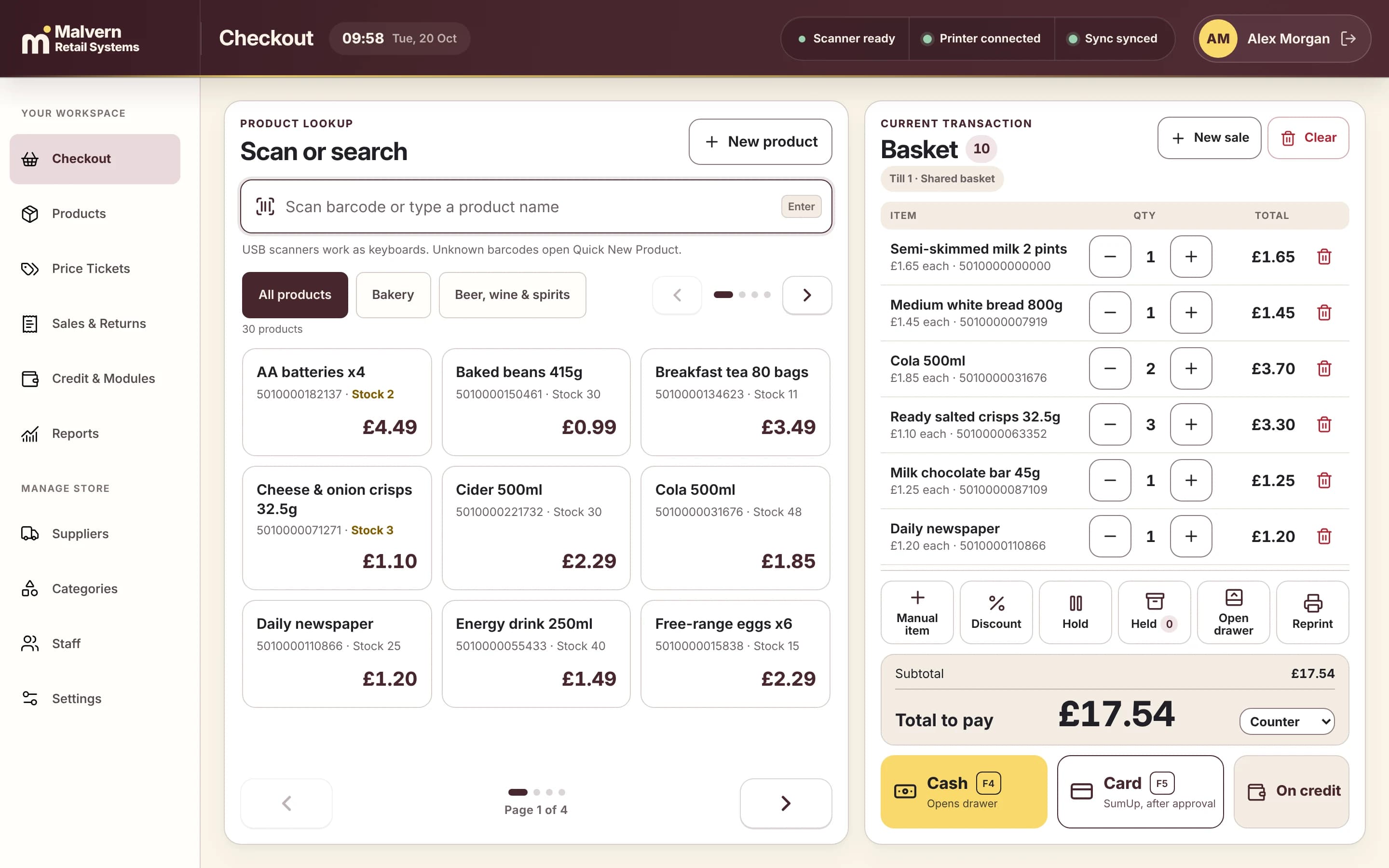
- Sell a scanned product, find an item without a barcode and correct a price before payment.
- Demonstrate a cancelled sale, return, receipt reprint and the permissions each action needs.
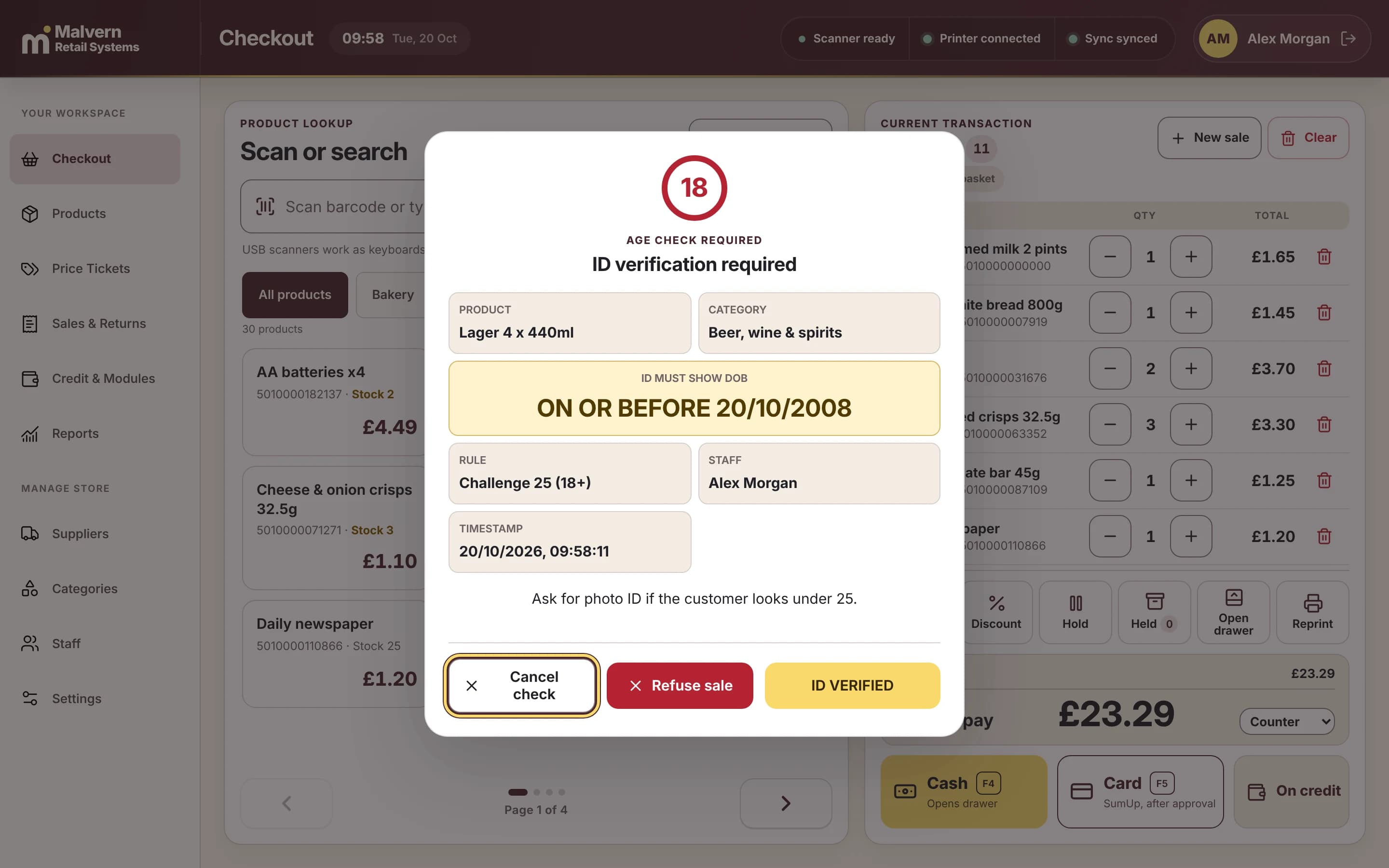
- List newspaper, age-restricted or other specialist workflows your shop requires; ask each supplier to prove support.
- Check the reports and reconciliation steps you need at closing time.
Use your own scenarios in the demonstration
Send the supplier a small, non-sensitive sample catalogue and your most important questions. Ask which software release is being shown and what will be installed. A polished concept image does not establish that a workflow is available. If a feature depends on another module or provider, get that dependency into the written scope.
- Time a realistic sequence of several sales rather than one rehearsed transaction.
- Ask what happens when a barcode is unknown or a printer is unavailable.
- Have a member of staff repeat the process without the demonstrator taking over.
- Record each requirement as demonstrated, needs assessment or unavailable.
Check equipment and responsibilities
Prepare an inventory of your computer, operating system, scanner, printer, drawer and payment equipment. Ask for model-specific compatibility and separate ownership from rental arrangements. A USB connector alone does not establish compatibility. Confirm who installs drivers, supports payment equipment and provides replacements.
- Record exact models, connections, driver versions and equipment ownership.
- Check whether a payment terminal is independent or integrated and who supports it.
- Ask for installation, staff training and support hours in writing.
- Agree who owns exports, backups and recovery procedures.
Compare the whole proposal
Compare like-for-like scope over the same period. Include subscriptions, devices, installation, migration, training and mandatory third-party costs. Confirm VAT treatment, cancellation obligations and future price changes with the relevant provider. Malvern’s listed plan prices are launch prices; a written shop-specific proposal must confirm availability and fees.
- Use the 36-month calculator as a transparent scenario, not a promised saving.
- Identify every exclusion and any assumption about keeping existing equipment.
- Agree acceptance checks and a rollback decision before a changeover date.
- Keep a copy of demonstrated requirements with the final proposal.