3 min read MALVERN RETAIL SYSTEMS
01Build a model-specific inventory
Keeping sound equipment can be sensible, but compatibility must be proved for the proposed software. Record exact models rather than descriptions such as “USB printer”. Photograph model labels for your own equipment review and remove customer information from any screenshots you share. Note who owns the equipment and whether an existing provider must release it.
- Computer: make, model, CPU, memory, storage, operating-system version and available ports.
- Scanner: model, connection and the barcode types it must read.
- Printer: model, paper width, driver and USB/network/serial connection.
- Drawer, display and payment terminal: model, interface and ownership.
Identify dependencies and support limits
Some hardware requires proprietary software, a specific driver or an unsupported operating system. Ask whether each component is supported by its manufacturer and by the proposed till provider. Reusing equipment without a maintenance plan can move cost into downtime rather than remove it. Payment-device compatibility also depends on the payment provider and the integration being offered.
- Check operating-system support and any required driver licenses.
- Ask whether the drawer is driven through the printer or another interface.
- Confirm the payment terminal’s supported arrangement separately.
- Request written exceptions instead of assuming every peripheral will work.
Test real transactions on the actual setup
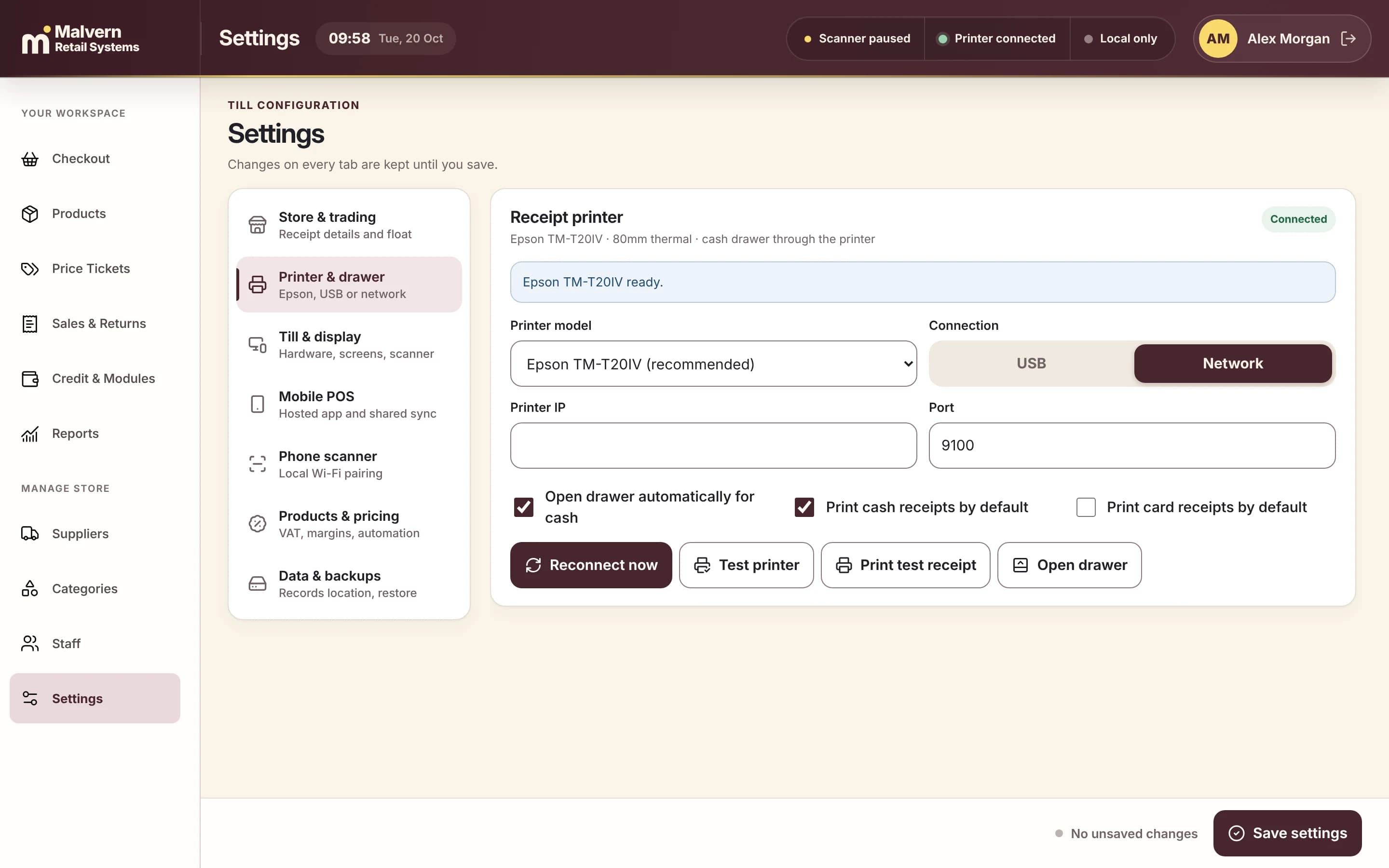
A device appearing in a settings screen is only the first check. Test the physical workflow, restart behavior and recovery steps. Include staff who normally work at the counter. If a device cannot be tested before the quote, record that uncertainty and the replacement option rather than treating it as confirmed compatibility.
- Scan representative barcodes and manually find an unrecognised item.
- Print normal and long receipts; check readable output and paper handling.
- Restart the computer and confirm settings/connections survive.
- Exercise the agreed cancellation, return and closing routines.
Compare reuse with a supported replacement
Request itemised prices for any replacement devices, drivers, configuration, travel and support. Compare ownership and warranty as well as initial cost. Malvern assesses existing equipment before recommending a change; there is no universal promise that a particular device can be retained. Keep the approved inventory with your installation scope so assumptions are visible.
- Separate required replacements from optional upgrades.
- Record warranty and who supplies a replacement if equipment fails.
- Include installation and staff training in the comparison.
- Accept the hardware only after the agreed end-to-end checks pass.