Tables at a glance
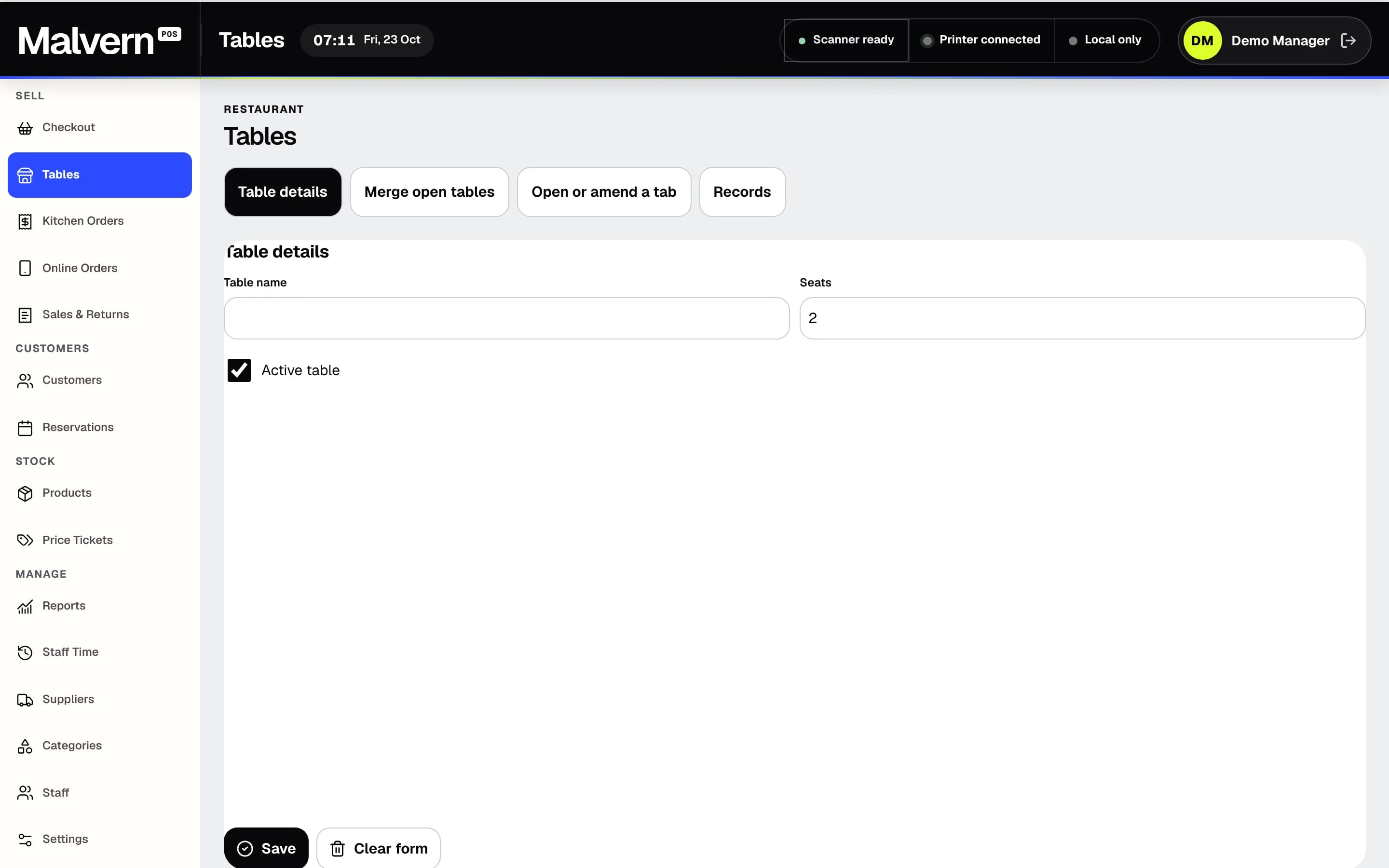
Set up each table with its seats and see which are occupied or available. Open or amend a tab for a table as the service goes on.

BUILT FOR / RESTAURANTS
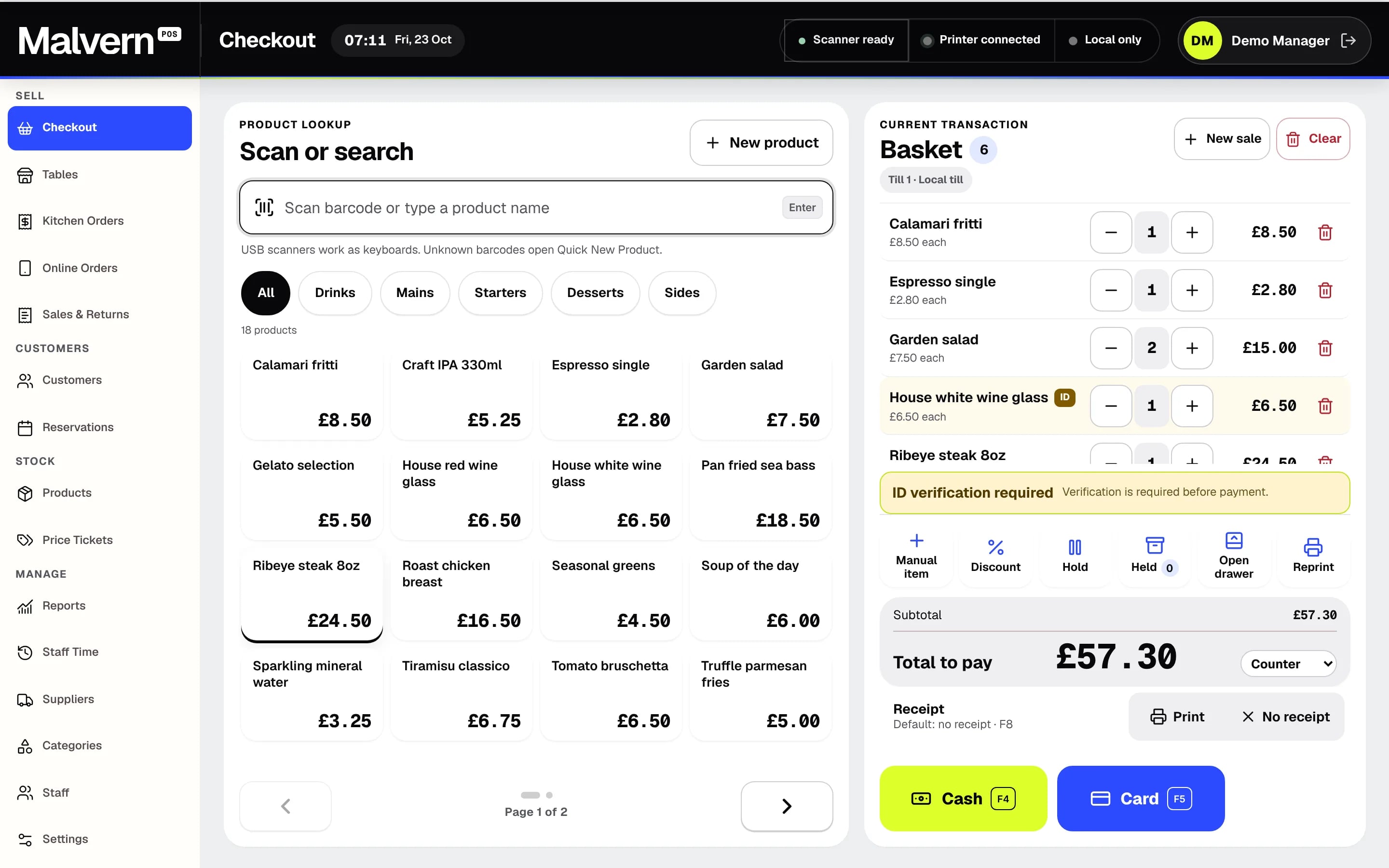
Tables, reservations, kitchen orders and staff time sit alongside a quick checkout, so front of house and the kitchen work from the same records.
Set up each table with its seats and see which are occupied or available. Open or amend a tab for a table as the service goes on.
Book a table with the customer’s name and contact, party size, start and end time, and update the booking as plans change.
Send eat-in, takeaway, collection and delivery orders to the kitchen order list with the customer name, promised time and every product line.
Staff clock in and out on the till, and a manager can download a staff time summary.
Choose the order type on every sale, then take cash, card, gift cards or a split payment. Paired staff handhelds can take orders, while payment stays on the till.
THE NEXT STEP
A short demo, with products like yours and straight answers. No sales script.