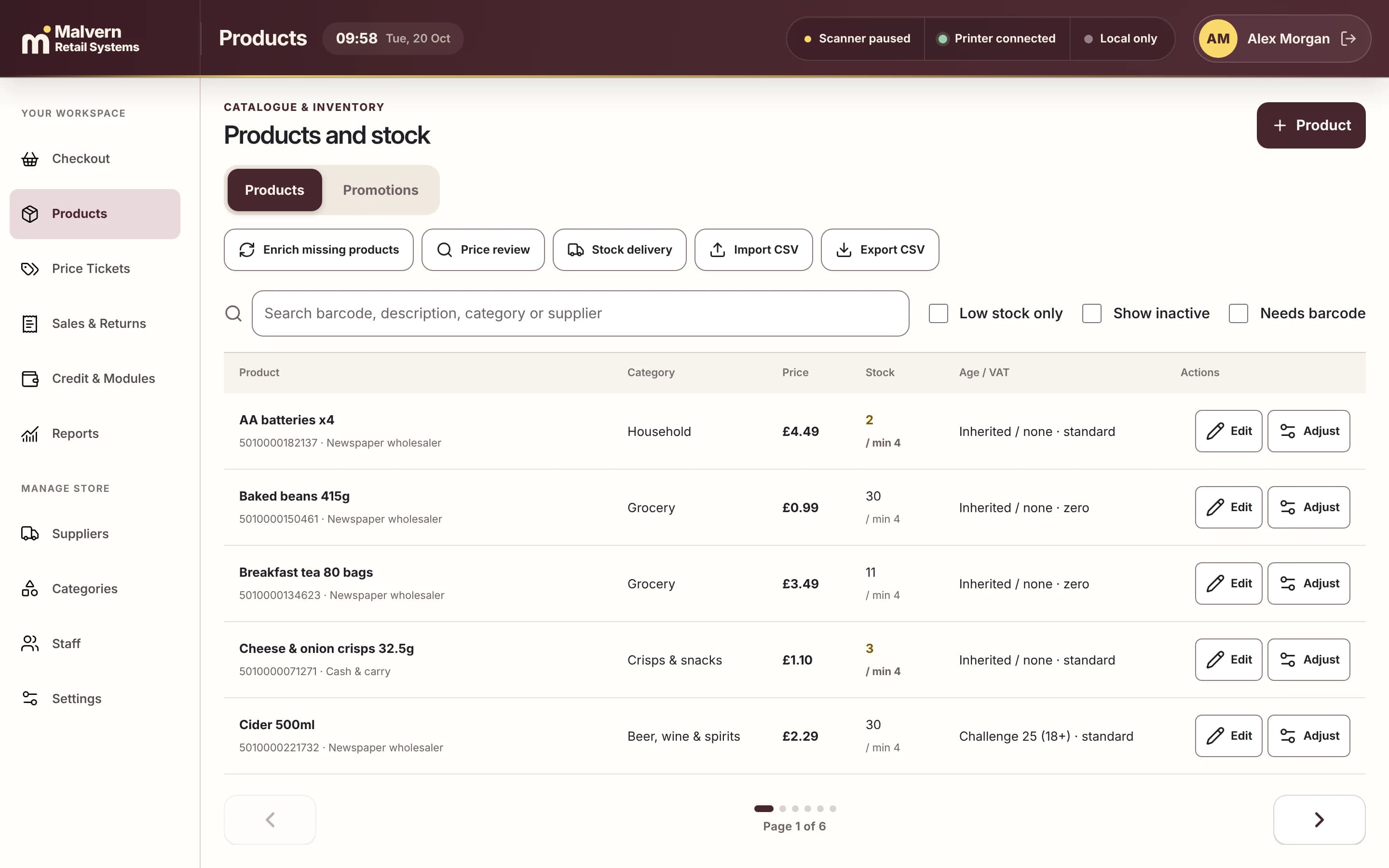
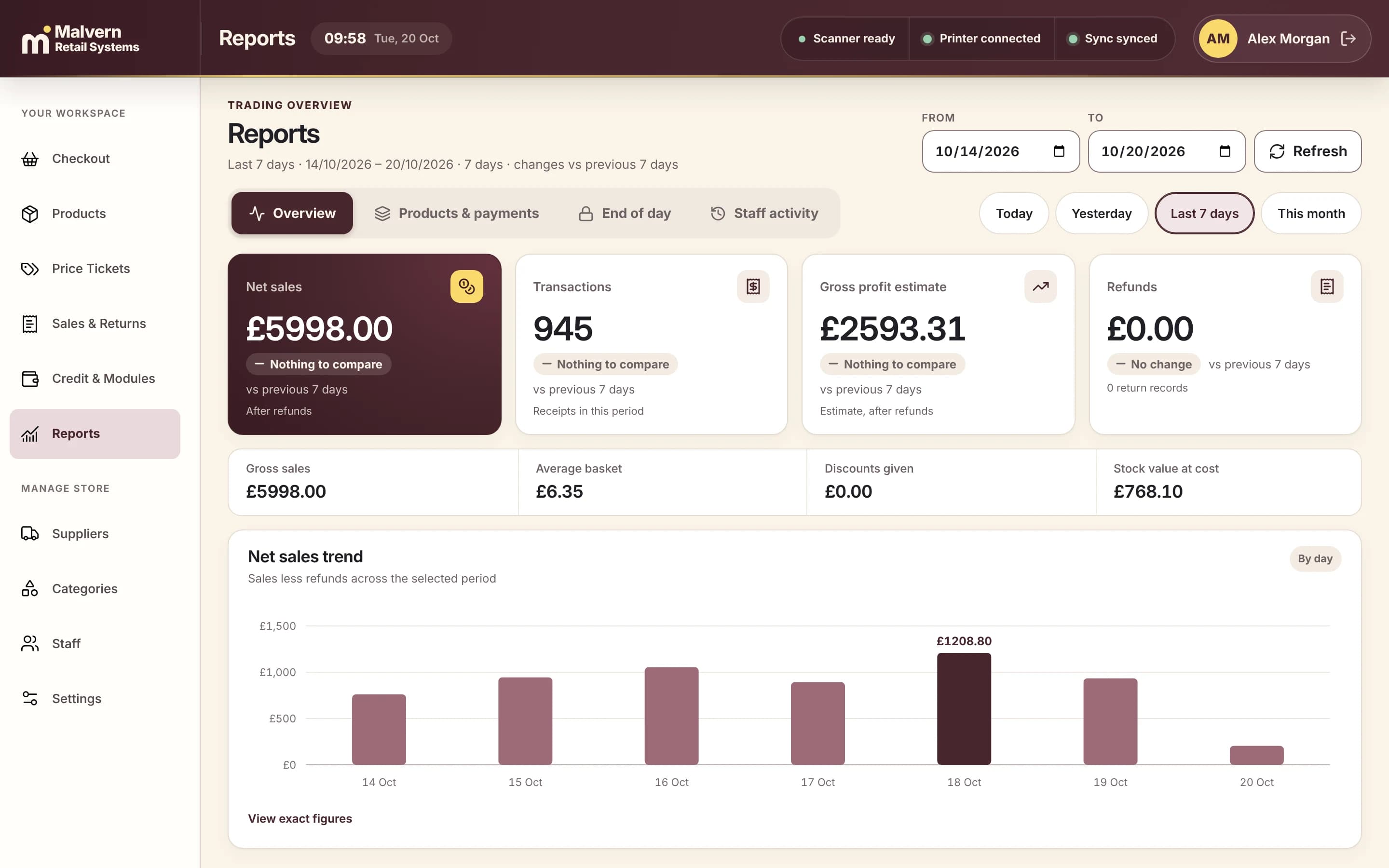
A quick checkout for a busy floor
Scan, search or tap products by category. Take cash, card, gift cards or a split payment, and hold a basket while a customer fetches something.

BUILT FOR / SUPERMARKETS
Groceries, chilled, produce and household on one quick checkout, with purchase orders, stock counts and waste recorded in the same system.
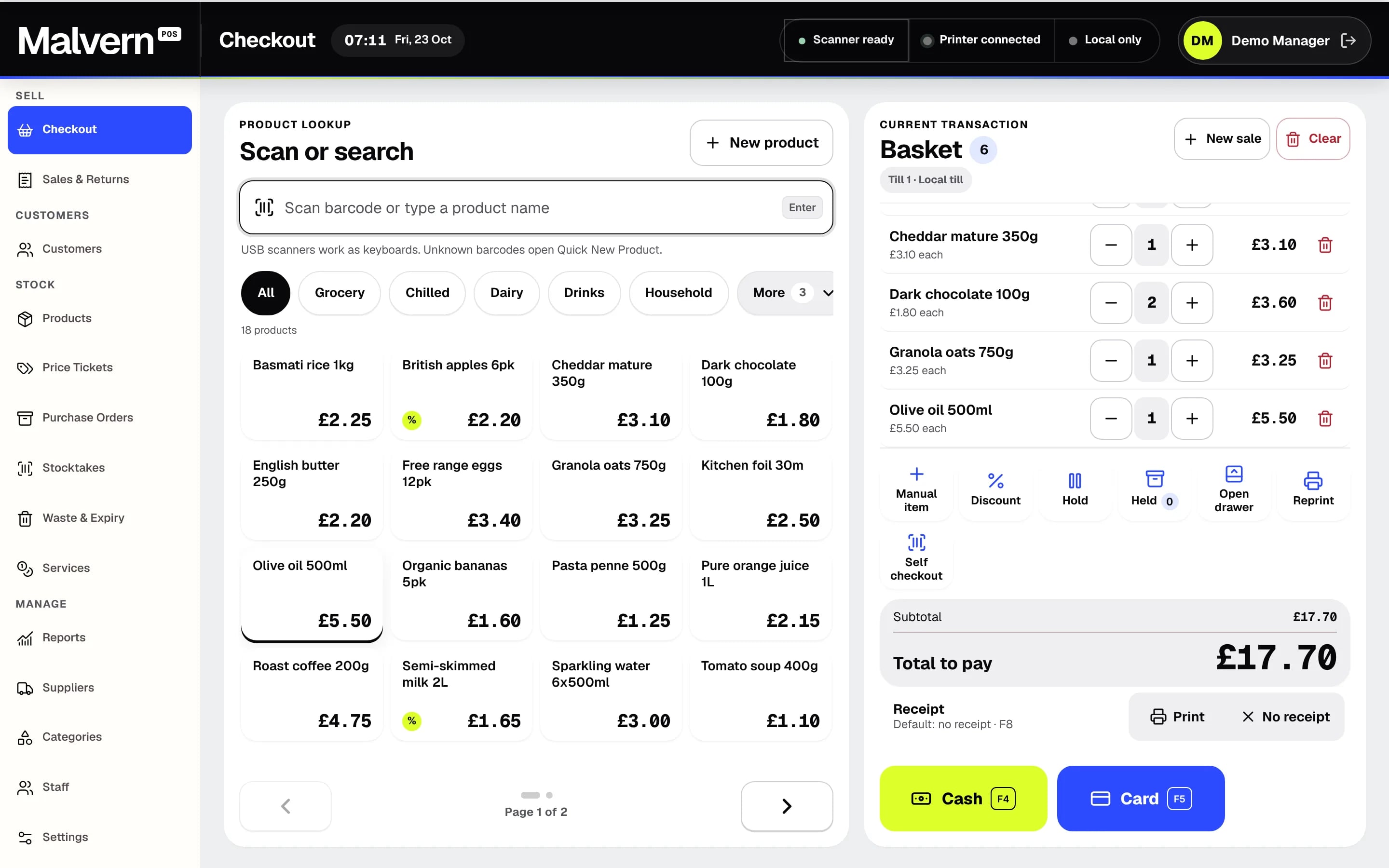
Scan, search or tap products by category. Take cash, card, gift cards or a split payment, and hold a basket while a customer fetches something.
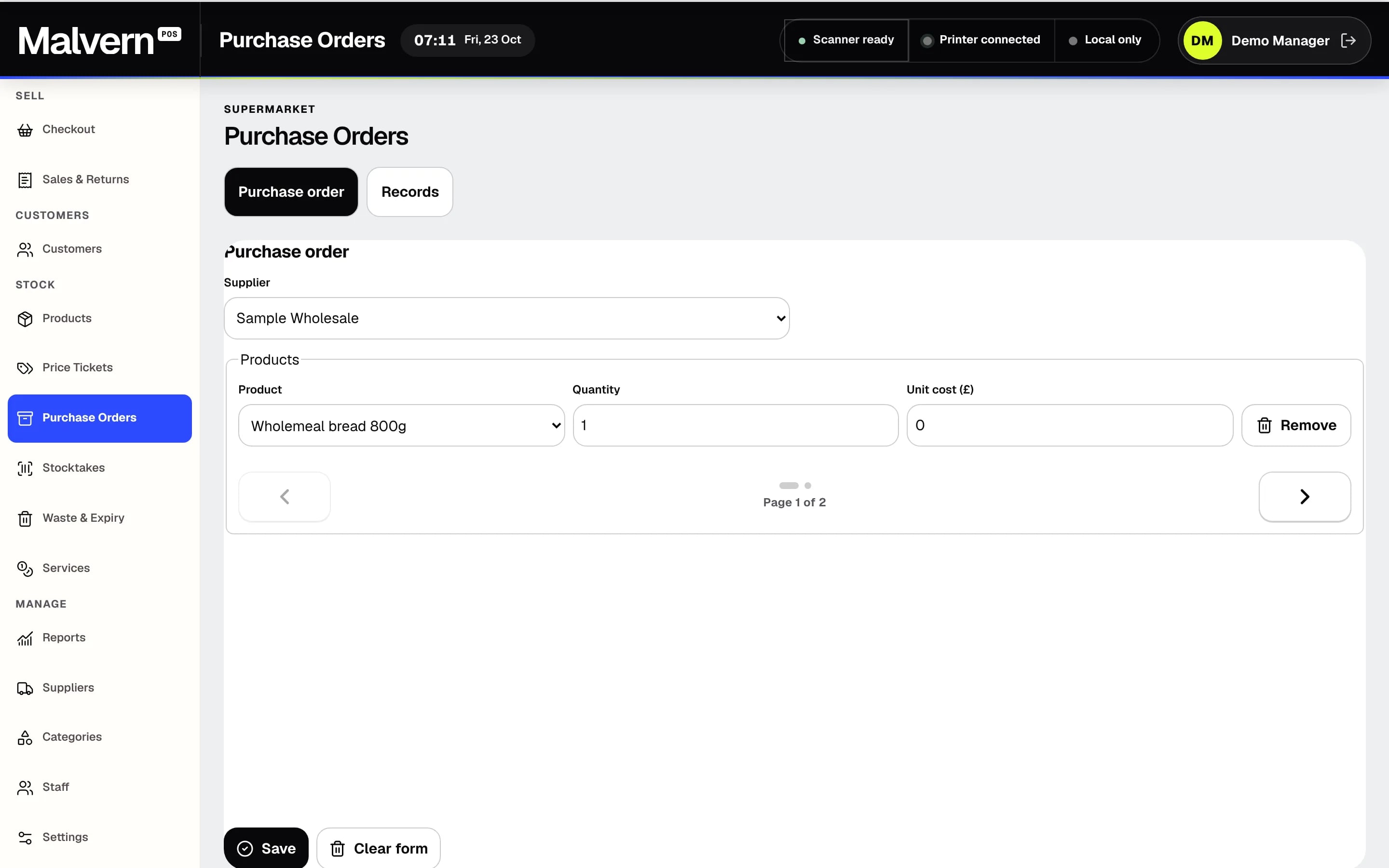
Raise a purchase order for a supplier with quantities and unit costs, then receive the delivery against it and see exactly what is still to come.
Start a named count and record the counted quantity for each product, so stock on the system matches what is on the shelf.
Record waste with a quantity and reason, and set expiry review dates so short-dated lines are checked before they are lost.
THE NEXT STEP
A short demo, with products like yours and straight answers. No sales script.